Fasting Diet App
A free, no sign-up required online tool featuring a real-time fasting timer, zone tracking, and a calculator for all intermittent fasting schedules.
About Fasting Diet App
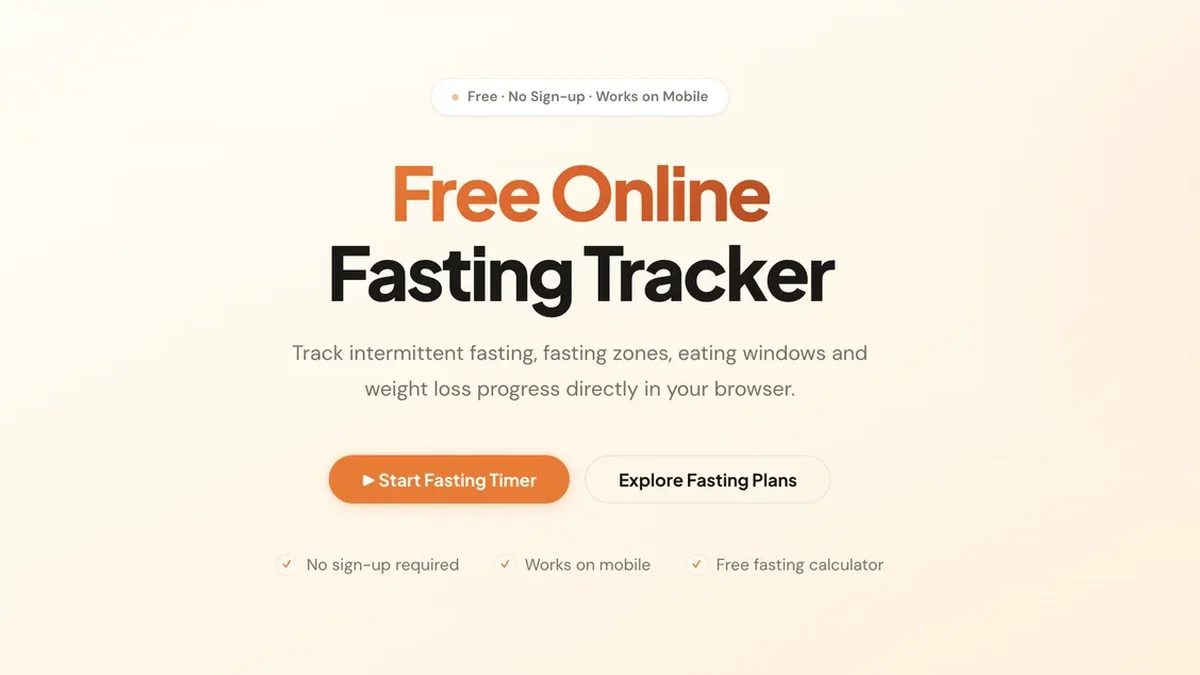
The Fasting Diet App provides a powerful, no sign-up required online tracker and real-time timer to monitor your intermittent fasting progress across various plans.
Key Features
Real-Time Fasting Timer
Start your chosen fasting schedule instantly and monitor your progress live, ensuring you stay within your target eating and fasting windows with precision.
Comprehensive Fasting Zone Visualization
Understand your body's metabolic shifts during the fast, clearly displaying stages from Fed State up through Fat Burning, Ketosis, and Autophagy.
Free Integrated Fasting Calculator
Quickly determine the exact start and end times for your eating window based on your chosen fasting duration, making planning effortless.
Zero Commitment Tracking
Enjoy complete privacy and immediate access; no account creation or sign-up is ever required to use the online tracker or save your data locally.
Mobile-Optimized Tracking
Seamlessly track your intermittent fasting sessions whether you are on a desktop computer or using your mobile device on the go.
Side-by-Side Plan Comparison
Easily review and contrast different intermittent fasting schedules, such as 16:8 vs 18:6, to select the optimal routine for your goals.
Use Cases
Beginner IF Schedule Selection
New users can utilize the tool to compare beginner plans like 12:12 before gradually progressing to more intensive schedules like 16:8, guided by the plan comparison feature.
Monitoring Deep Ketosis Entry
Experienced fasters can track precisely when their session enters the Deep Ketosis or Autophagy zones, optimizing the timing for maximum metabolic benefit.
Daily Eating Window Adherence
Use the real-time timer and eating window display to ensure strict adherence to protocols like OMAD or 20:4, preventing accidental early eating.
Weight Loss Progress Logging
Track your fasting metrics alongside weight loss progress directly within the browser-based tracker to correlate fasting consistency with physical results.
Optimizing 16:8 Consistency
Regular users of the popular 16:8 schedule can use the precise timer to maintain consistency day after day, ensuring glycogen depletion occurs reliably.
Quick Fasting Plan Adjustments
When switching between different protocols (e.g., moving from 14:10 to 18:6), the calculator and timer allow for immediate, accurate setup of the new parameters.
FAQ
Which fasting schedule is recommended for beginners?
For those new to intermittent fasting, starting with the 12:12 schedule is best, as most of the fast occurs naturally during sleep. After a week or two, users can advance to 14:10, then 16:8.
How does the Fasting Timer track my progress?
Once you select your plan and hit Start, the timer monitors your session in real time, visually indicating which fasting zone you are currently in and when your eating window will open.
Can I track my weight loss with this tool?
Yes, the free online fasting tracker allows you to track your weight loss progress directly within your browser alongside your fasting session data.
Is signing up necessary to use the IF tracker?
No, one of the core benefits is that no sign-up is required; all data is saved locally in your browser for immediate use.
Which IF plan is generally considered the most sustainable?
For long-term success, the 16:8 intermittent fasting plan is often cited as the best choice because it balances effectiveness for weight loss with ease of adherence.
What is the benefit of seeing the Fasting Zones?
Viewing the Fasting Zones helps users understand the physiological state of their body during the fast, showing when they transition into crucial stages like Fat Burning or Ketosis.
Quick Info
- Pricing
- free
- Category
- Health Lifestyle & Entertainment Mobile Apps
- Website
- fastingdiet.app